Understanding Lower Back Pain from Sitting
Lower back pain affects an estimated 60-80% of adults at some point in their lives, and prolonged sitting is one of the biggest contributors. Your lumbar spine (L1-L5 vertebrae) bears much of your upper body’s weight when you sit. Without adequate support, the natural inward curve flattens out — disc pressure goes up, and the posterior ligaments take strain they weren’t designed for.
How much pressure? Sitting without lumbar support increases intradiscal pressure by roughly 40% compared to standing. If you’re at a desk 6-10 hours a day, that sustained loading adds up. Over months and years, it can lead to disc degeneration, muscle fatigue, and chronic pain.
What Causes Lower Back Pain While Sitting
A few things go wrong biomechanically when you sit for long stretches:
- Loss of lumbar lordosis. Without support, your pelvis tilts backward, flattening the natural inward curve of your lower back. Load shifts from the vertebral bodies to the posterior disc and ligaments — exactly where you don’t want it.
- Static muscle fatigue. Your erector spinae muscles have to work nonstop to hold you upright. After a few hours without support, they fatigue. Then come the spasms.
- Disc compression. Your lumbar discs actually experience higher compressive forces sitting than standing or walking. Counterintuitive, but well-documented.
- Hip flexor tightening. Sitting keeps your hips flexed, which shortens the iliopsoas muscles over time. They then pull on the lumbar spine and increase strain when you stand up.
- Poor seat pan design. A seat that’s too deep or too firm creates pressure points, and you’ll unconsciously slouch to get comfortable.
Key Chair Features That Help
Adjustable Lumbar Support
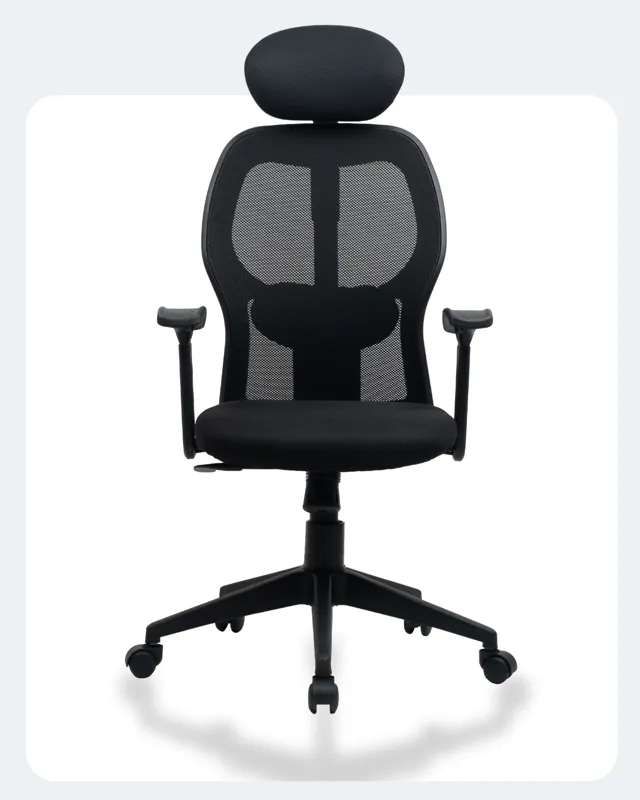
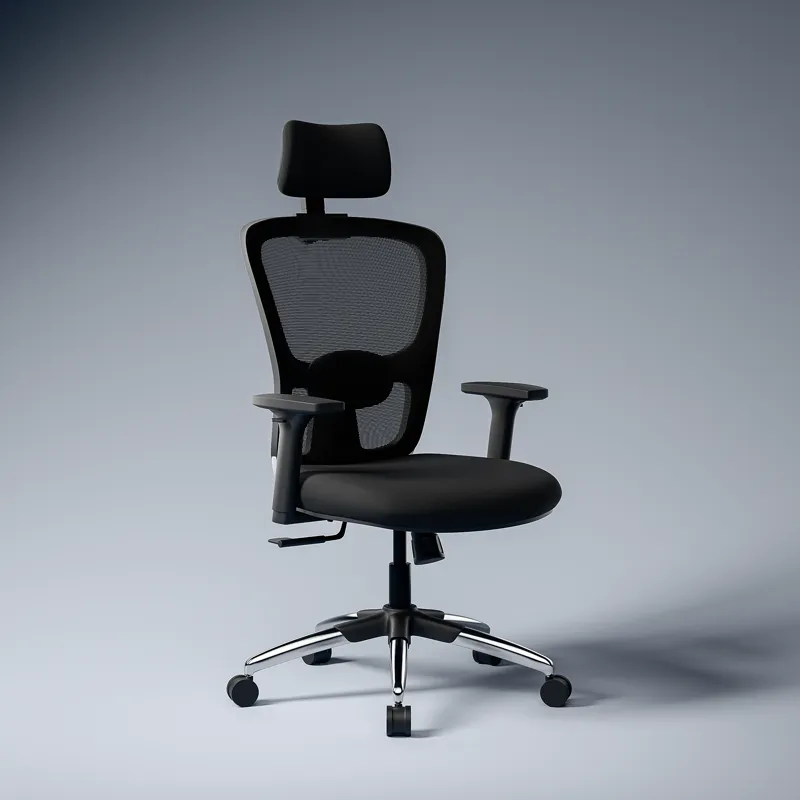
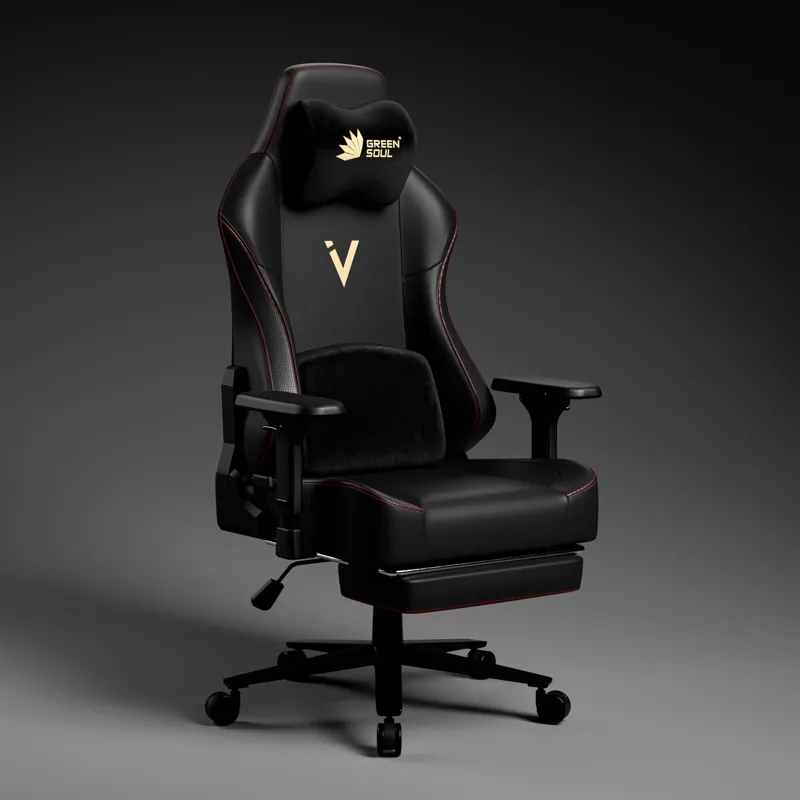
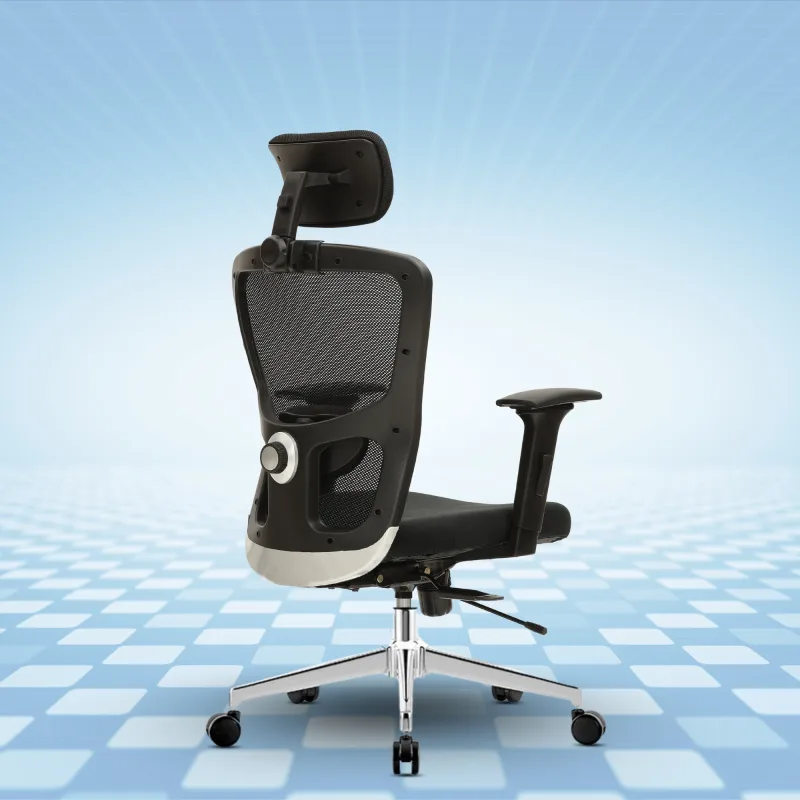
If you’re shopping for a chair to help with lower back pain, this is the feature to prioritize. Adjustable lumbar support lets you position a firm, contoured pad right at the level of your lumbar curve (typically L3-L4). Some chairs only adjust height, while better ones also adjust depth — how far the pad pushes into your back.
Why does it matter? It keeps your natural lordotic curve intact, which lowers disc pressure and means your back muscles don’t have to work as hard. A flat-backed chair gives you none of that.
Recline with Multi-Lock or Synchro-Tilt
A chair that reclines to 110-120 degrees with lockable positions lets you shift load from your lumbar spine onto the backrest. Synchro-tilt mechanisms are especially good here — they coordinate seat and backrest movement in roughly a 2:1 ratio, so your thigh-torso angle stays comfortable as you lean back.
Even a slight recline to 100-110 degrees reduces lumbar disc pressure compared to sitting bolt upright at 90 degrees. You don’t need to lean way back — just enough to take the edge off.
Appropriate Seat Depth and Waterfall Edge
You want at least 2-3 finger widths of clearance between the seat edge and the back of your knees. This prevents pressure on the popliteal area and makes it easier to sit fully back against the lumbar support. A waterfall (downward-curved) front edge helps too, taking pressure off the underside of your thighs.
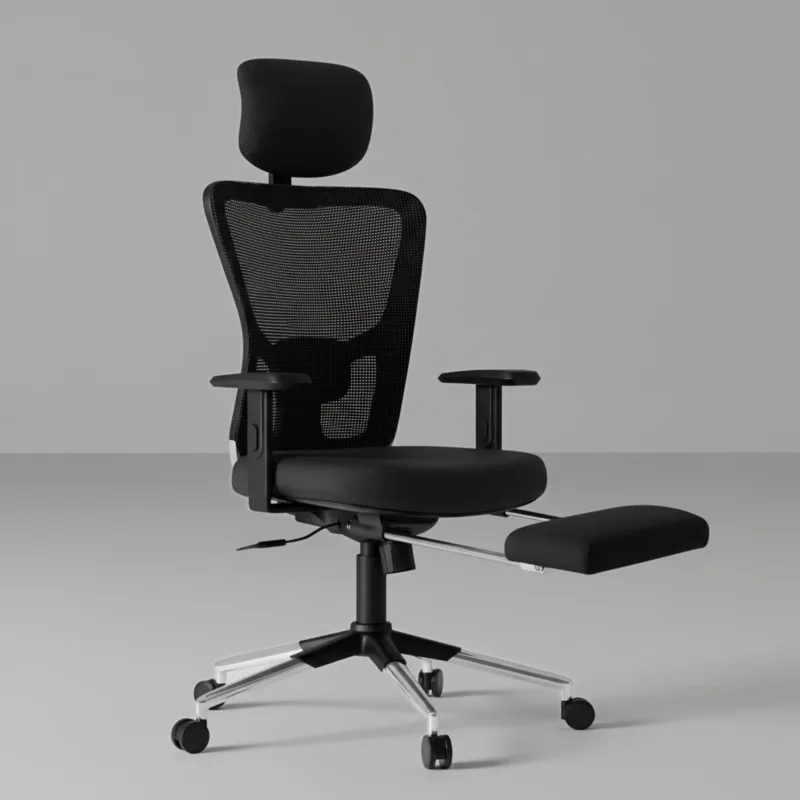
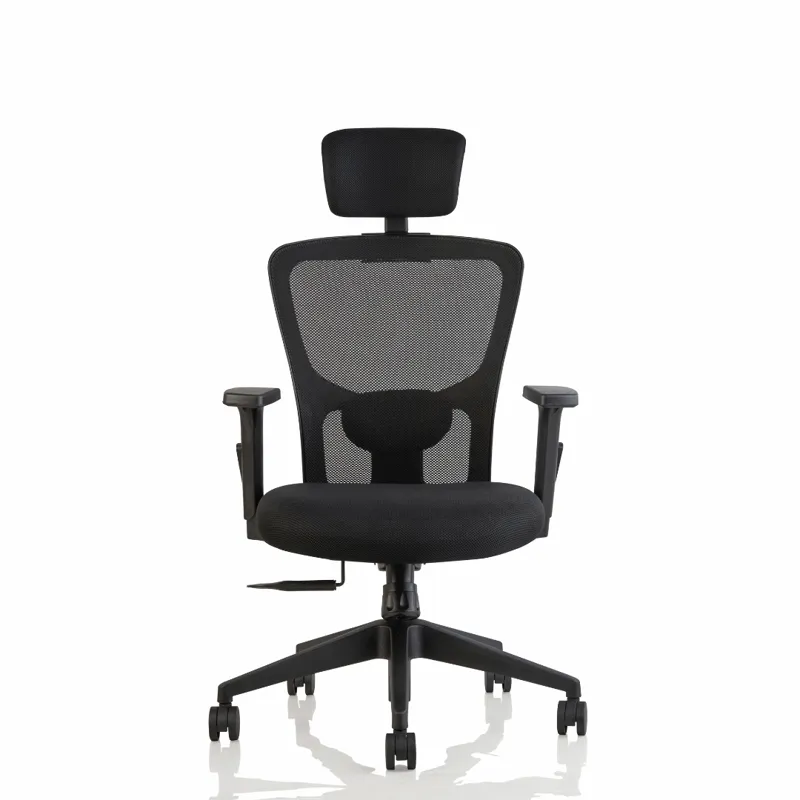
Breathable Mesh Back
This one is indirect but worth mentioning, especially in India’s climate. A mesh back prevents heat buildup, which matters because when your back gets hot and sweaty, you instinctively lean forward — away from the lumbar support. Many mesh backrests also use zoned tension, with firmer weave in the lumbar region and more flex in the upper back.
How to Set Up Your Chair for Lower Back Pain
- Lumbar support height — position the most prominent part of the pad at the inward curve of your lower back. For most people, that’s roughly belt level.
- Lumbar depth — the pad should make firm contact with your back without shoving you forward. You want to feel it, not fight it.
- Seat height — feet flat on the floor, thighs roughly parallel to the ground, about 90 degrees at the knees.
- Seat depth — leave 2-3 finger widths between the seat edge and the back of your knees.
- Backrest recline — 100-110 degrees for active work. Recline to 115-120 degrees when you’re reading or thinking.
- Armrests — set them so your shoulders stay relaxed. Too high and your shoulders hunch up; too low and you get no support at all.
One more thing: get up and walk around for 5-10 minutes every hour. Your lumbar discs need periodic unloading to rehydrate, and your supporting muscles need a break no matter how good your chair is.
When to See a Doctor
A better chair helps many cases of sitting-related back pain, but see a doctor if:
- Pain persists for more than 6 weeks despite ergonomic changes
- Pain radiates down one or both legs (potential nerve involvement)
- Numbness, tingling, or weakness develops in the legs or feet
- Bladder or bowel function is affected (seek immediate medical attention)
- Pain is severe enough to disrupt sleep consistently
- Symptoms worsen progressively rather than fluctuating with activity
The Indian Orthopaedic Association advises getting evaluated for any back pain with neurological symptoms, or pain that doesn’t improve with conservative measures within 4-6 weeks.
FAQ
Is adjustable lumbar support really better than fixed lumbar support for back pain?
Yes, and the reason is simple: everyone’s spine is shaped a little differently. The apex of your lumbar curve can sit anywhere from L2 to L5 depending on your build, and the depth of support you need varies with body composition. Fixed lumbar support is still better than a flat backrest, but it’s a compromise — it may not hit the right spot for you. Adjustable lumbar chairs typically offer 5-10 cm of vertical adjustment and 2-4 cm of depth adjustment, which covers most body types.
Can an ergonomic chair alone fix lower back pain?
No. An ergonomic chair handles one piece of the puzzle — sustained spinal loading during sitting — but lower back pain has many causes. The most expensive chair in the world won’t compensate for 10 hours of uninterrupted sitting. You also need regular movement breaks, core strengthening, and general physical activity. A good chair removes one major aggravating factor, but it’s not a cure-all on its own.
What seat material is best for lower back pain — mesh, foam, or fabric?
For lower back pain, the backrest material matters more than what you’re sitting on. Mesh backrests allow airflow and can be engineered with zoned tension for lumbar support. High-density foam gives you cushioned contouring instead. For the seat pan, you want even pressure distribution — high-density molded foam at least 5 cm thick works well for most people. Be cautious with memory foam: it feels great at first, but it can let your pelvis sink into a posterior tilt over time. Honestly, the specific chair’s engineering matters more than the material category.